How to Use Fancy Fonts in Your Instagram Bio (Copy & Paste, 2026)
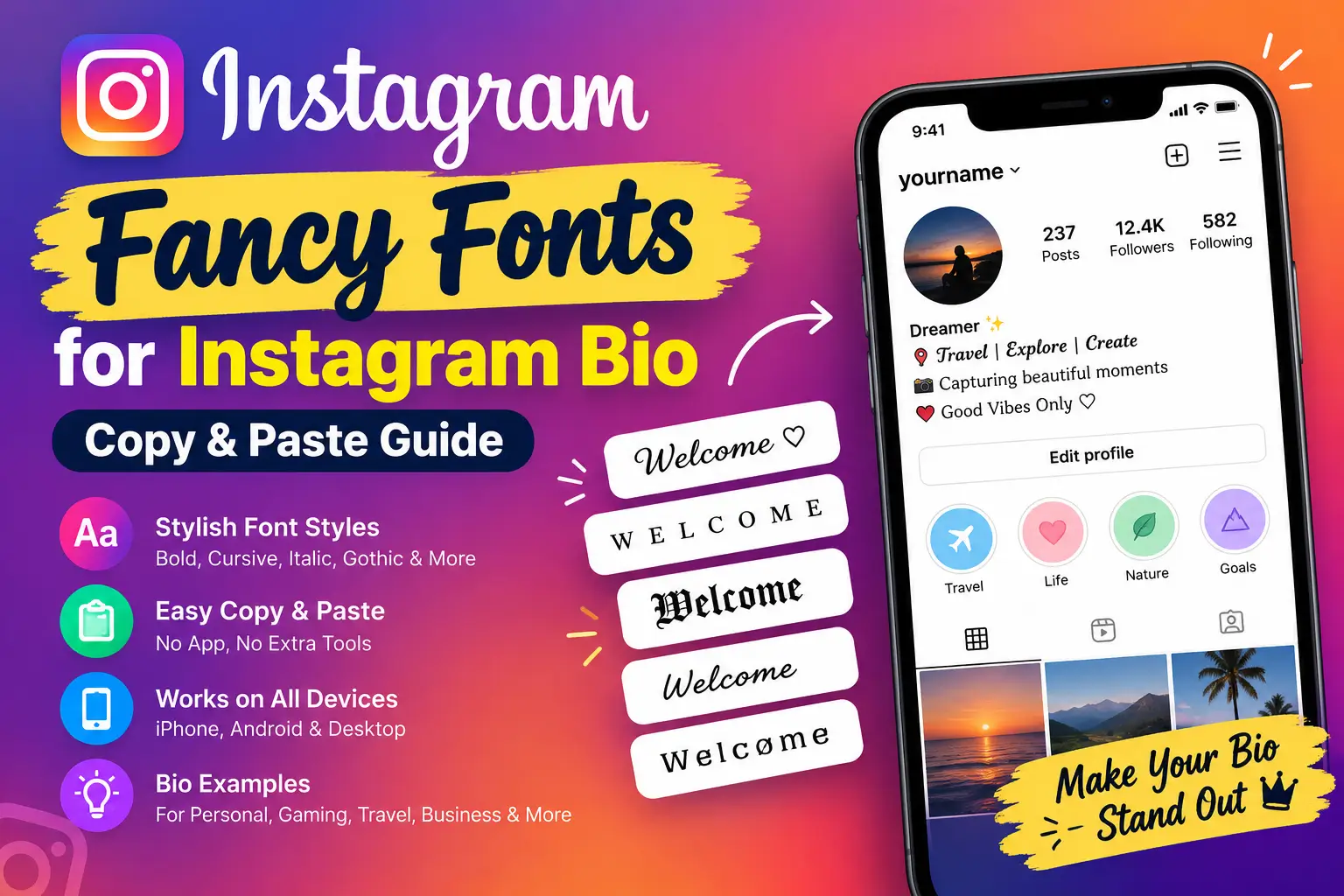
Instagram does not provide a built-in font selector for bio text. To use fancy fonts, open an Instagram font generator, type your text, choose a style, and copy the result. Then open your Instagram profile, select Edit profile, paste the text into the Bio field, and save your changes.
You can use this method on iPhone, Android, and desktop without installing a separate font app. However, some decorative characters may look different across devices, so always check your profile after saving.
How to Use Fancy Fonts in Your Instagram Bio in 5 Steps
Follow these simple steps to create a stylish Instagram bio using copy-and-paste text.
Step 1: Open an Instagram Font Generator
Open an Instagram font generator in your browser. You can use the Instagram Name Fonts tool to explore different text styles without downloading an app or installing a special keyboard.
Step 2: Enter Your Bio Text
Type the name, headline, or short phrase you want to decorate.
For example:
Welcome to my profile
Start with a short line so you can compare styles easily. You can create a stylish name, highlight your profession, or add a short phrase that describes your account.
Step 3: Choose Your Favourite Fancy Font
Preview the available styles and select one that suits your profile.
- Bold: Useful for short headings and important phrases.
- Cursive: Creates an elegant, personal appearance.
- Italic: Adds a subtle decorative touch.
- Small caps: Gives your text a compact, minimal look.
- Gothic: Works well for gaming and alternative-style profiles.
- Bubble: Creates a playful appearance.
Choose a style that remains readable on a small phone screen. Highly decorative lettering may look attractive but can be difficult to understand in longer sentences.
Step 4: Copy the Styled Text
Select the style you like and use the Copy button provided by the generator.
If there is no Copy button, select the generated text and use your device’s normal copy command. You can then paste the text into Instagram or another app that supports those characters.
Step 5: Paste the Fancy Text Into Your Instagram Bio
Once you have copied your text, follow these steps:
- Open Instagram and visit your profile.
- Select Edit profile.
- Find the Bio field.
- Paste your copied text.
- Add any plain text, emojis, or line breaks you need.
- Save your changes using the option shown in your app.
- Return to your profile and check how the bio looks.
If some characters appear as empty boxes or the text becomes difficult to read, return to the generator and try a simpler style.
What Are Fancy Fonts on Instagram?
Fancy Instagram fonts are decorative text styles made using special Unicode characters. They are not traditional font files, and Instagram does not install a new font when you paste them into your profile.
A font generator replaces ordinary letters with Unicode characters that resemble bold, italic, cursive, gothic, or other lettering styles. Because these are characters rather than images, you can often copy and paste them into Instagram bios, captions, comments, and other social profiles.
Here are a few examples:
| Style | Copyable example |
|---|---|
| Normal | Welcome |
| Bold | 𝐖𝐞𝐥𝐜𝐨𝐦𝐞 |
| Script | 𝓦𝓮𝓵𝓬𝓸𝓶𝓮 |
| Italic | 𝑊𝑒𝑙𝑐𝑜𝑚𝑒 |
| Small caps | ᴡᴇʟᴄᴏᴍᴇ |
| Gothic | 𝔚𝔢𝔩𝔠𝔬𝔪𝔢 |
The appearance of these characters depends on the device, operating system, and app. Some styles may not display correctly everywhere.
Instagram Bio Examples With Fancy Fonts (Copy & Paste)
Need inspiration for your profile? Use these examples as starting points and adjust them to match your personality, interests, or business.
Personal and Aesthetic Instagram Bio
Example 1
𝓢𝓪𝓻𝓪 ✨
Daydreamer • Coffee lover • Always exploring
↓ My latest adventures
Example 2
✦ Creator • Dreamer • Explorer ✦
Small moments, big memories
Travel and Photography Bio
Example 1
ᴛʀᴀᴠᴇʟ • ᴄʀᴇᴀᴛᴇ • ʀᴇᴘᴇᴀᴛ
Travel photographer ✈️
Booking shoots worldwide ↓
Example 2
𝐒𝐚𝐫𝐚 | Travel Photographer
Chasing light, one city at a time
Gaming Instagram Bio
Example 1
𝕲𝖆𝖒𝖎𝖓𝖌 𝕷𝖊𝖌𝖊𝖓𝖉
Free Fire • Live streams • Daily clips
🎮 New video every week
Example 2
亗 Shadow King 亗
Pro player • Content creator
Business and Brand Bio
Example 1
𝐒𝐚𝐫𝐚’𝐬 𝐁𝐞𝐚𝐮𝐭𝐲 𝐒𝐭𝐮𝐝𝐢𝐨
Bridal & party makeup
Book by DM ↓
Example 2
𝐁𝐚𝐤𝐞𝐫𝐲 𝐦𝐚𝐝𝐞 𝐟𝐫𝐞𝐬𝐡 𝐝𝐚𝐢𝐥𝐲 🍰
Custom cakes • Freshly baked
Order by DM ↓
Student and Creative Bio
Example 1
Student • Code • Design
Building my portfolio, one project at a time
Example 2
𝓘𝓵𝓵𝓾𝓼𝓽𝓻𝓪𝓽𝓸𝓻
Open for commissions • DM to order
These are templates rather than ready-made descriptions for every account. Replace the sample names and details with your own information, and check the final character count before saving.
Best Fancy Font Styles for Different Instagram Accounts
The best font depends on the type of profile you have and the impression you want to create.
| Account type | Suggested style | Why it works |
|---|---|---|
| Creator or business | Bold | Makes short headings stand out |
| Aesthetic or lifestyle | Cursive | Creates a soft, personal look |
| Minimal or photography | Small caps | Keeps the design simple |
| Gaming | Gothic | Gives the profile a dramatic style |
| Fun or youth | Bubble | Adds a playful touch |
You do not need to use the same style throughout your entire bio. A decorative headline followed by plain text often creates a cleaner result.
How to Make Your Instagram Bio Look Stylish
Fancy letters can make your profile distinctive, but good wording and layout are just as important.
1. Style One Line and Keep the Rest Plain
Use decorative text for your name, headline, or a short phrase. Keep important information such as your profession, services, location, and contact details in ordinary text.
A bio written entirely in fancy characters may be harder to read and understand.
2. Add a Few Symbols and Emojis
Symbols can separate different parts of your bio without making it cluttered.
Here are some options:
- ✦ for a decorative accent
- ♡ for a soft, personal style
- • to separate short phrases
- → or ↓ to point towards a link
- ✨ for a creative touch
- 🎮 for gaming profiles
- 📸 for photography accounts
Use only a few symbols at a time. Too many can make your bio look crowded.
3. Use Line Breaks
Organise your bio into short lines so visitors can quickly understand who you are and what you share.
For example:
Creator & Photographer 📸
Sharing travel and lifestyle
New posts every week ✨
Link below ↓
You can draft your bio in a notes app before pasting it into Instagram. After saving, check whether the line breaks appear as intended.
4. Keep Important Information Clear
If you use Instagram for a business, make your main service and contact method easy to identify. Decorative text should support your message rather than hide the information people need.
5. Choose a Style That Matches Your Profile
A gaming account may suit gothic lettering, while a photography account may look better with minimal styling. Choose a style that fits your content and audience rather than using every available effect.
The Downsides of Fancy Fonts on Instagram
Fancy fonts have some limitations that are worth understanding before you update your profile.
Accessibility
Screen readers may pronounce decorative Unicode characters differently from ordinary letters or may not interpret them as expected. Keep essential information in standard text wherever possible.
Search and Readability
Decorative characters can make names and keywords harder for people and some text-processing systems to recognise. Keep your main name, profession, and important keywords in plain text when discoverability matters.
Display Problems
Some devices do not support every Unicode character. Unsupported characters may appear as empty squares or symbols instead of the intended lettering.
Copying and Understanding
Decorative characters are not always easy to select, read, or search. Long phrases in elaborate styles can be frustrating for visitors.
Fancy fonts do not guarantee more profile visits, engagement, or followers. They mainly change how your text looks.
Do Instagram Bio Fonts Work on iPhone and Android?
Many common Unicode styles work on both iPhone and Android, but their exact appearance can vary according to the device, operating system, and app version.
Some characters may display correctly on one phone but appear differently or fail to render on another. This is more likely with uncommon decorative characters.
Before keeping a fancy bio, check it on your own profile. If possible, ask someone using a different device to view it as well.
Why Are My Fancy Fonts Not Working on Instagram?
If your styled text does not look right, try these solutions.
Fancy Text Appears as Empty Boxes
Your device or the viewer’s device may not support those characters. Choose a more common style, such as bold or italic, and test it again.
Instagram Will Not Save My Bio
Check whether you have exceeded the bio’s character limit or included a character that Instagram does not accept. Shorten the text, remove unnecessary symbols, and try again.
My Line Breaks Disappear
Draft the bio in a notes app with the line breaks you want, then copy and paste the complete text into Instagram. Save it and check the result on your profile.
My Bio Looks Different on Another Phone
Devices can render Unicode characters differently. Replace any characters that appear incorrectly with simpler alternatives.
My Bio Is Difficult to Read
Try a less decorative style, shorten your phrases, or use fancy text on just one line. Readability should come before decoration.
Try Our Name Tools
FAQs
How do I use fancy fonts in my Instagram bio?
Open a font generator, enter your text, choose a style, and copy it. Then open Instagram, go to Edit profile, paste the text into the Bio field, and save your changes.
How do I change the font in my Instagram bio without an app?
Use a browser-based Instagram font generator. You can generate, copy, and paste styled text without installing a separate app or keyboard.
Are Instagram fancy fonts real fonts?
No. Most copy-and-paste Instagram font styles use Unicode characters that resemble different typefaces. They are not traditional font files or Instagram’s built-in text formatting.
How many characters can an Instagram bio have?
Instagram has traditionally allowed up to 150 characters in a bio. Check the current limit in your own Edit profile screen, particularly if your styled text includes special characters or emojis.
Can I use emojis with fancy fonts?
Yes, you can usually combine Unicode text with emojis. Keep the design simple and check how it appears after saving.
Can I use fancy fonts throughout my entire Instagram bio?
You can use decorative characters across much of your bio, but styling only a short headline is often easier to read. Keep important details in plain text for clarity and accessibility.
Do fancy fonts work in Instagram captions and comments?
Many Unicode styles can also be pasted into captions and comments. However, character support and readability can vary, so use decorative text sparingly.
Do fancy fonts affect Instagram search?
Decorative characters can make words harder for people and text-processing systems to recognise. Keeping your name and important keywords in plain text can help preserve clarity. No particular font style guarantees better search visibility.
Will fancy fonts get me more Instagram followers?
Not by themselves. Fancy fonts can make your profile look distinctive, but useful content, a clear profile description, and consistent posting are more important for building an audience.
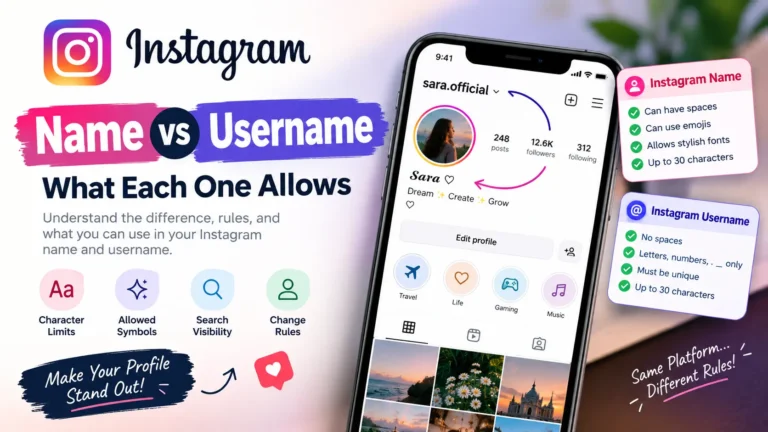
Can I use fancy fonts in my Instagram name too?
Many decorative Unicode characters may work in the display name, but username rules are more restrictive. If you are deciding which field to customise, remember that your display name and username serve different purposes.
Conclusion
Using fancy fonts in your Instagram bio is simple: enter your text into a generator, choose a style, copy the result, and paste it into your Bio field. You can create an elegant, minimal, playful, or gaming-inspired look without installing a font app.
For the best result, decorate one short line, keep important details readable, and check how your bio appears after saving. Try different styles until you find one that suits your profile.
Ready to create your own stylish bio? Open the Instagram Name Fonts generator, choose your favourite style, and copy your customised text into your profile.